An online tutoring business that runs from one website.
NoosaEngage offers one-on-one tutoring online, from programming and math to science, languages, and Quran. We built the site that introduces its tutors, takes session requests, and keeps each family's appointments and invoices in one account.


A small tutoring practice still needs a front desk
A tutoring business sells trust first. Parents and students want to see who will teach them, what each subject covers, and what it costs before they commit. After that comes the daily work of finding a time, sending a meeting link, and billing for the hour. NoosaEngage needed a site that handled the first part clearly and kept the second part from turning into a pile of messages.
What we built for NoosaEngage
Two sides share the same records: the public site that families browse, and the account area where sessions and invoices are managed.
Subject pages
Programming, data structures, web development, databases, algebra, chemistry, languages, Quran, and more each get a page with the topics covered and a button to request a session.
Tutor profiles
The team page presents each tutor with their education, professional experience, and the subjects they teach.
Clear pricing by level
A pricing page groups rates by education level, from elementary school to college and beyond, and answers the questions families ask most, such as how sessions run, how rescheduling works, and how to pay.
Student accounts
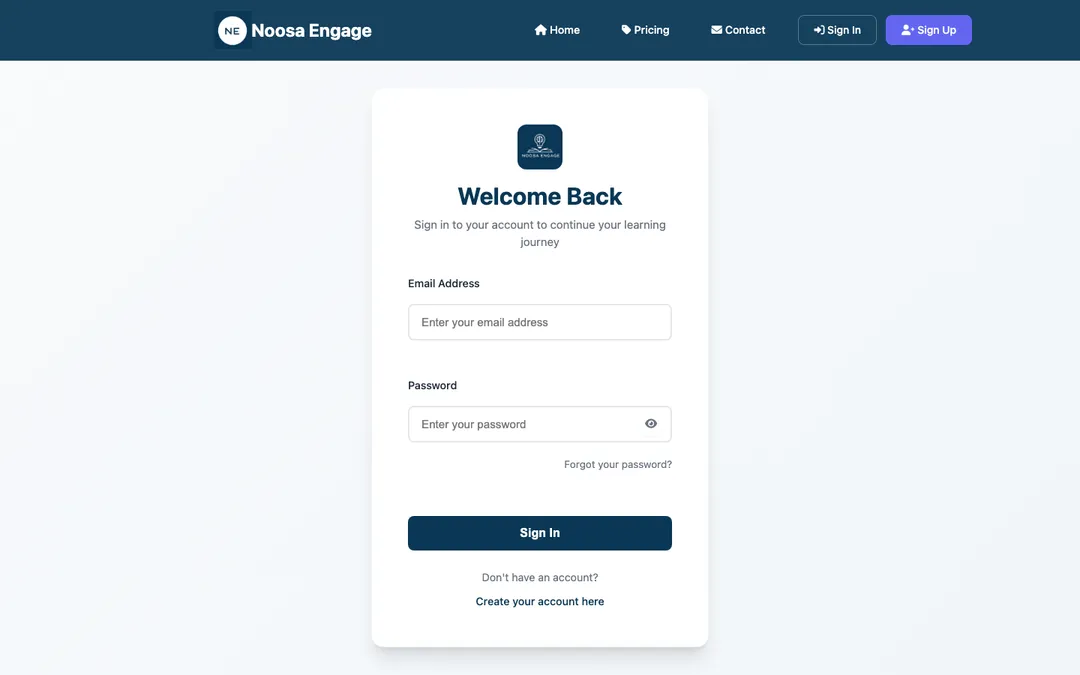
Families create an account and sign in with a password they can show or hide as they type. A forgotten password is reset through an email link.
Session requests
A signed-in student picks a subject, the days and time of day that suit them, and adds notes about their goals. The team receives the request and replies with confirmed details.
Appointments at a glance
Each account lists upcoming, completed, and cancelled sessions. A student can cancel a session from the list, and both sides are notified by email.
Invoices
After sessions, the account shows each invoice with its session date, hours, and whether it is paid or still open. Families receive an email whenever a new invoice is created.
Automatic emails
New accounts get a welcome message. Booked and cancelled sessions, invoices, and password resets each send a clear email, and the team receives its own copy of every booking and request.
Contact form
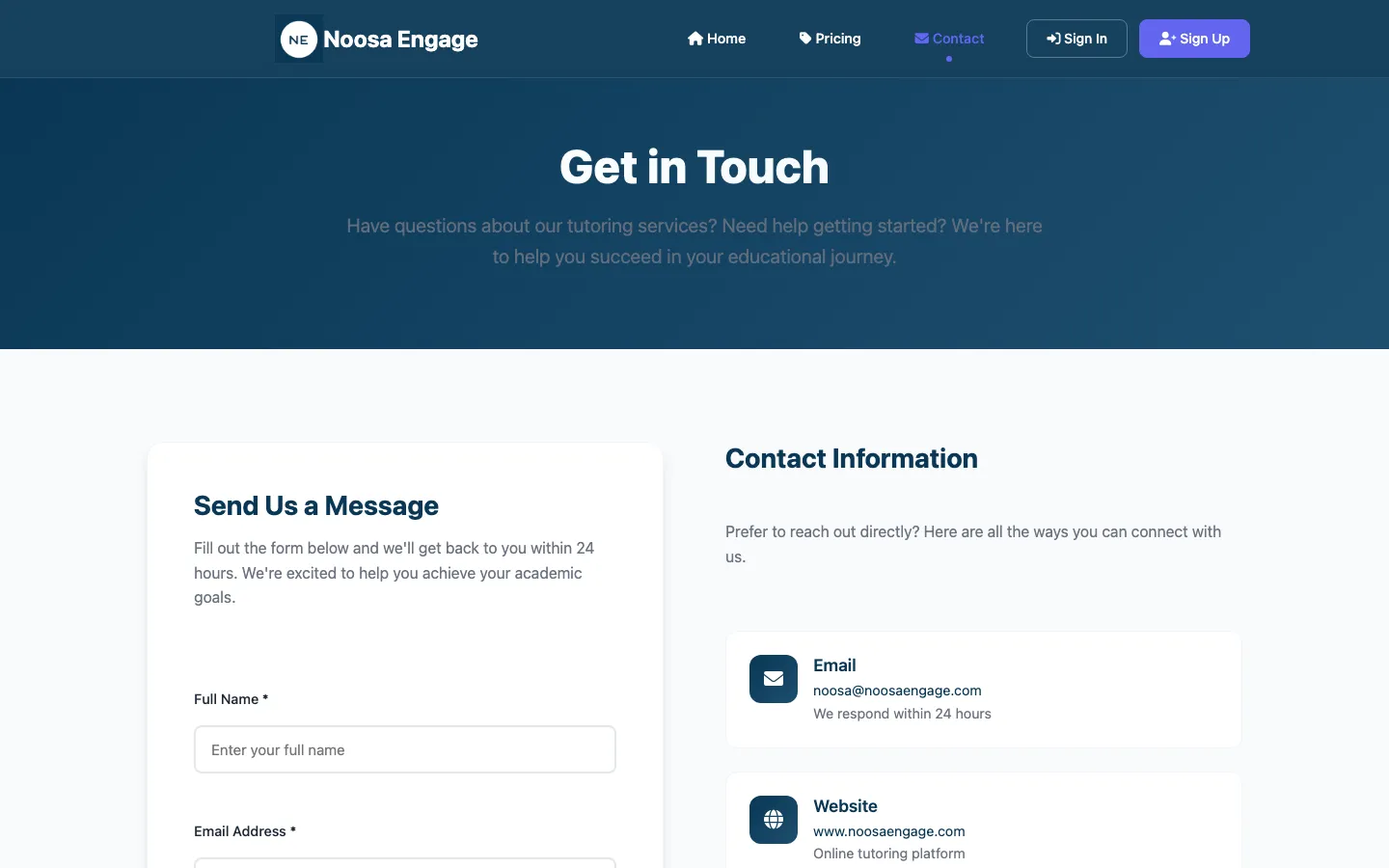
Questions go to the team through a simple form, and the sender receives a confirmation that the message arrived.
Works on a phone
Students and parents are often busy and away from a desk, so every page is built to be read and used on a phone.
The public site today
A deep blue palette, large headings, and short forms that keep a first visit simple.

How the team runs the practice day to day
The tutoring team works from an admin dashboard with three areas: users, appointments, and invoices.
What the site connects
Each step from first visit to final invoice uses the same account, so nothing needs to be copied from one place to another.
More work for organizations and small businesses
Running lessons, classes, or appointments?
Tell us how bookings and billing work for you today. We will show you what a single site could handle, and Sahab keeps looking after it once it is live.
Start a conversation