One website for everything MAS Central Indy runs.
MAS Central Indy is the Indianapolis chapter of the Muslim American Society. We built the site where families find events, sign up and pay, give to the programs, and join the mailing list, along with the tools its volunteers use to run all of it.
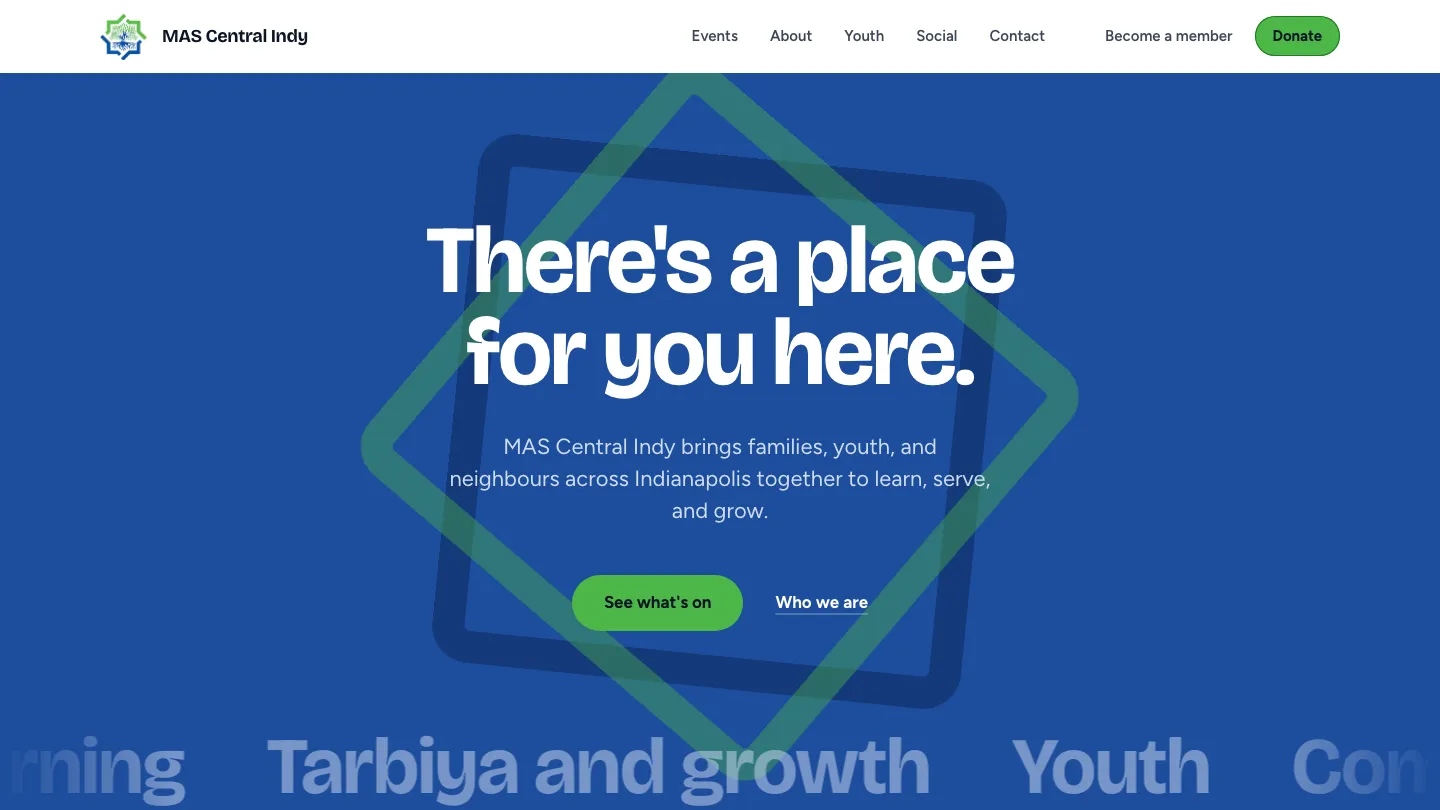
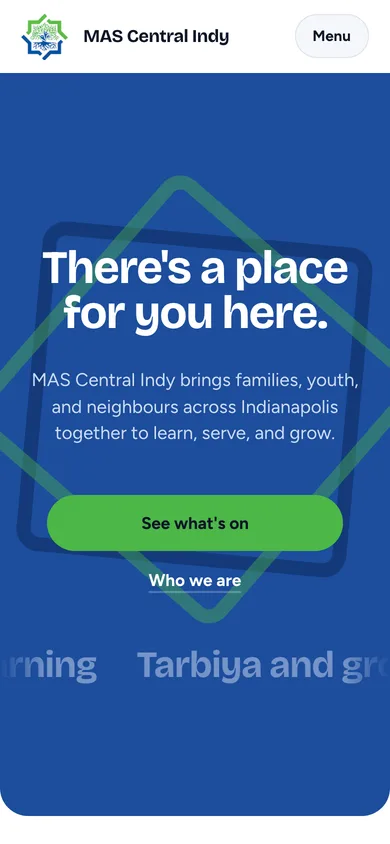
A volunteer-run chapter needs a site that is easy to keep current
MAS Central Indy runs classes, youth programs, iftars, family nights, and service days, and the people organizing them are volunteers with other jobs. Visitors want to know what is happening and how to come. The site had to answer that quickly for families and stay simple enough for volunteers to update without a developer.
What we built for the chapter
The public site and the admin area share the same records, so an event that a volunteer publishes appears for visitors right away, and every sign-up lands where the organizer expects it.
Events and calendar
Visitors browse events as a list or a monthly calendar. Every event page can be shared, and each one has a QR code that can be printed on a flyer or shown on screen.
Rich event pages
An event page shows whether it is in person, online, or both, how often a program repeats, who is speaking, and includes photos and video when the organizer adds them.
Registration built per event
Organizers decide what each event asks. They can set ticket categories with limits and age ranges, a capacity, a registration deadline, and an optional waiver with acknowledgments and a signature.
Waitlists and confirmations
When an event fills up, people can join a waitlist instead of being turned away. Everyone who registers receives a confirmation number.
Card payments or bank-app transfers
Paid events can take card payments online. When the chapter prefers a bank-app transfer, attendees follow the steps on the page and upload a screenshot as their receipt.
A live spreadsheet for every event
Each event gets its own spreadsheet of sign-ups that updates automatically. Organizers who are allowed to see an event's registrations get view access to it.
Donations
Supporters give once by card or bank transfer, choose a purpose such as education or youth programs, cover the processing cost if they wish, and can give anonymously. The admin area keeps a donor record and receipts.
Mailing list
Visitors subscribe and confirm by email, and can leave with one click. Staff write campaigns, preview them, and review what was sent.
Social posts on the site
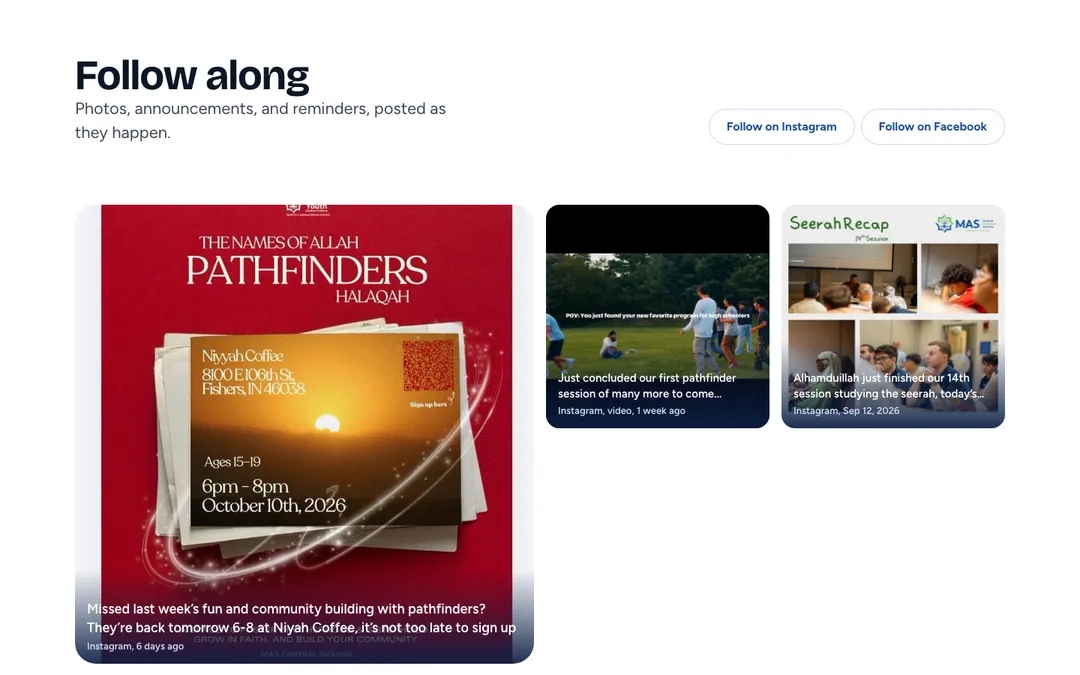
New posts from the chapter's social media accounts appear on the home page and a Social page on their own. Staff can pin the posts they want at the top and put them in order.
Event feedback
After an event, organizers can collect feedback with their own questions and a thank-you message, then read the answers in one place.
Editable About page
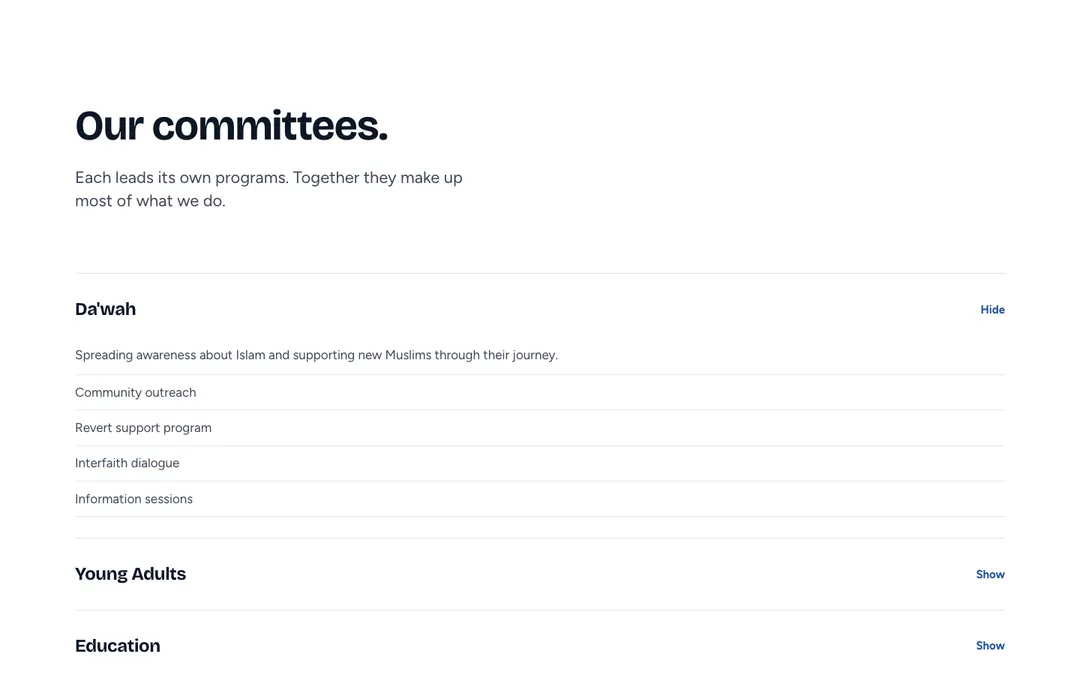
Board members, committees, and the frequently asked questions are edited by staff in the admin area, so the page stays accurate without a developer.
Youth committee page
Young volunteers can apply to join the youth committee and sign in to their own area from the public site.
The public site today
Chapter blue and green, large type, and plain wording. Every page works on a phone.
How the team uses it day to day
The admin area is where the chapter's volunteers spend their time. It is sorted by task, and each person sees only the parts they are responsible for.
What the site connects
The chapter does not have to move information between tools by hand. The pieces below all feed the same records.
More community platforms we have built
Planning events for your organization?
Tell us how your team runs sign-ups, payments, and communication today. We will show you what a single site could take off your volunteers' plates, and Sahab keeps looking after it once it is live.
Start a conversation